Rowin Mol · October 19, 2026 · (last month) · 10 min reading time · updated Nov 19
In short
Who sits at the front during your ceremony is a more sensitive question than who sits where at dinner. For half an hour everyone faces the same way, and whoever is in that front row has the whole room behind them.
Short answer: put parents and grandparents in the front row, and the rest of the family and your closest friends in the rows behind them. Reserve those rows with name cards or a ribbon, and let the other guests find their own seat. The bride's family sitting on the left and the groom's on the right is a church custom, and you are free to ignore it. Give guests with a walking frame or young children a fixed seat on the aisle in advance, and anyone who is hard of hearing a seat diagonally in front of the registrar. If parents are divorced, talk to each of them separately about where they will sit, well before the day.
Below you will first read who sits where and which guests need extra attention, then how to arrange it in practice. Want to get started straight away? Go to the ceremony seating in five steps.
The front row is for the parents. Grandparents often join them, or step-parents you want there. Witnesses with a role in the ceremony usually stand or sit at the front with you, so don't count their seat twice.
What you arrange in advance is mainly about the front rows. The rest of the room fills up by itself. Two things often go wrong:
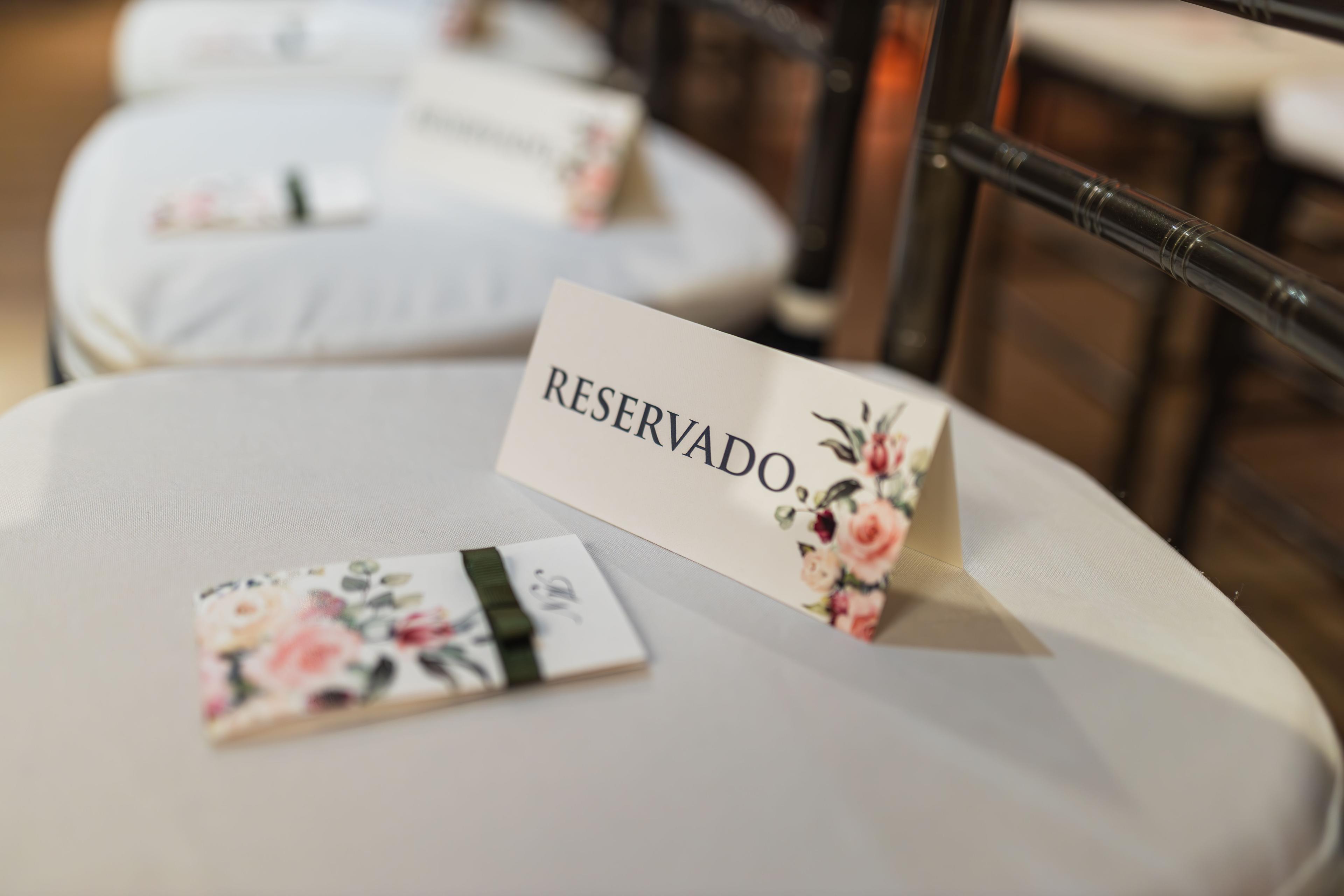
At our own ceremony, family and our closest friends sat in the first two rows. On each side of the aisle, the first five rows were reserved by name, with name cards. Behind that, everyone found their own seat. Beforehand we had to work out how many chairs fitted in each row. We wanted a wide aisle between the two sides, and every centimetre of it comes off a chair. Work that out before you assign names. Otherwise you reserve five rows on paper that fit fewer people in the actual room.
That is a custom that comes from church weddings. Nothing says you have to, and in a function room or a garden nobody checks.
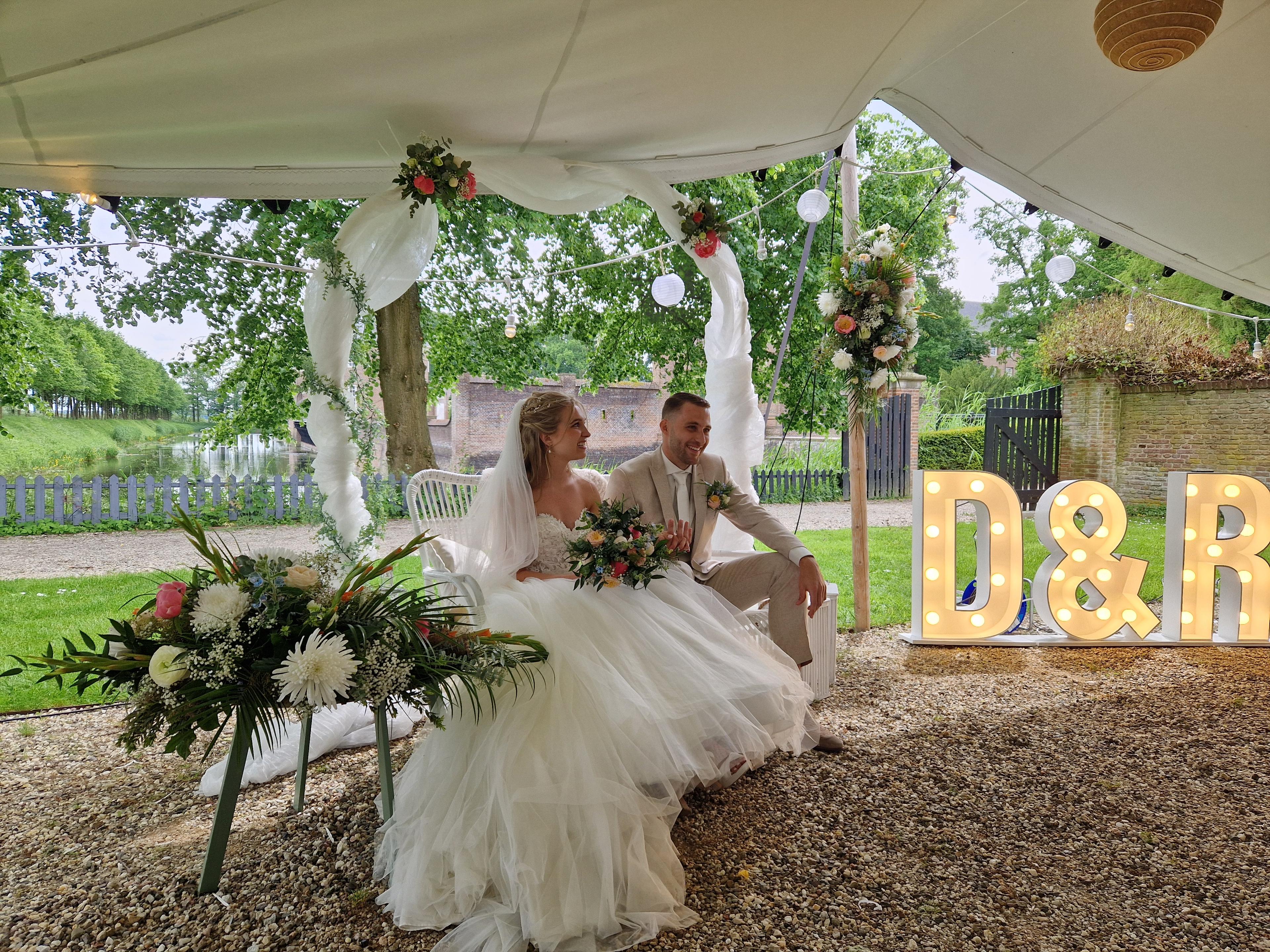
There are plenty of reasons to do it differently. Two families are rarely the same size. Stick strictly to the split and one half of the room is full while rows on the other side stay empty, and you will see that in every photo taken from the back. With two brides or two grooms, the split doesn't apply anyway. And some couples feel "her side" and "his side" don't fit a day when the two families are coming together.
If you choose open or mixed seating, say so out loud to the people who would otherwise automatically do it the traditional way. Parents and older relatives often assume the classic split applies.
This is where most of the work in ceremony seating lies, because you talk it through with the people themselves.
For most guests it makes little difference where they end up. These four groups notice straight away if nobody thought of them, and by then it is too late to move things around.
The conversations about it belong early in your planning. Filling in the rows can wait until the end.
Who belongs in the front row, and how you handle it if parents are divorced, is something you want settled about three months before the day. It usually takes a phone call or two, and sometimes sleeping on it. You fill the rows themselves in the final weeks, once you know who is coming.
The list for the ceremony doesn't always match the one for dinner. Sometimes there is family at the ceremony who go home afterwards, and evening guests are at neither. So count the replies for the ceremony separately; then you know how many chairs need to be set out.
Already in the final weeks and still need to do this? Then call your parents today about who sits at the front, and leave the rest of the room open. On the day, put someone at the entrance with a list of the people who belong at the front, and you will be fine.
You plan the ceremony and the dinner separately, with names from the same guest list. That is usually where the hassle begins:
Then there is the venue. If you only give them the total number of chairs, the venue decides how many go in each row and how wide the aisle is, and your reserved rows no longer match what you had planned at home.
For the ceremony alone, a sheet of paper or a spreadsheet is fine. A few rows of names and you are done. It gets harder once you also plan the dinner seating and more people are working from the same list.
Online seating plan makers are mostly built around tables. They handle the drawing well, and with some improvising you can fit a ceremony in rows into them too. But you start with a blank canvas, next to a guest list that lives somewhere else, and add the names yourself. The etiquette articles on this topic are a good guide to the customs and pitfalls. You still have to look up in your own list which guests are coming to your ceremony. Not sure which tool suits you? Read what to look for when choosing a floor plan tool.
In BruiloftBuddy you create a separate floor plan for the ceremony, next to the one for dinner. Both take their guests from your guest list, so you never retype a name. If you move someone from row two to row three, your dinner seating plan stays as it was.
In the RSVP, guests say for each part of the day whether they are coming, and as soon as you approve it, it counts on your guest list and your floor plan. So you can see how many people are at the ceremony without keeping a tally. If you approve that uncle's "Not attending" reply, his name stays on the seat and gets a red dot on the floor plan in the app. That way you can see at a glance which reserved seat needs a new name. The seat only becomes free once you move or remove your uncle yourself. For dinner, the dietary requirements come from that same RSVP. How that works out at the tables is explained in wedding seating plan in 5 steps.
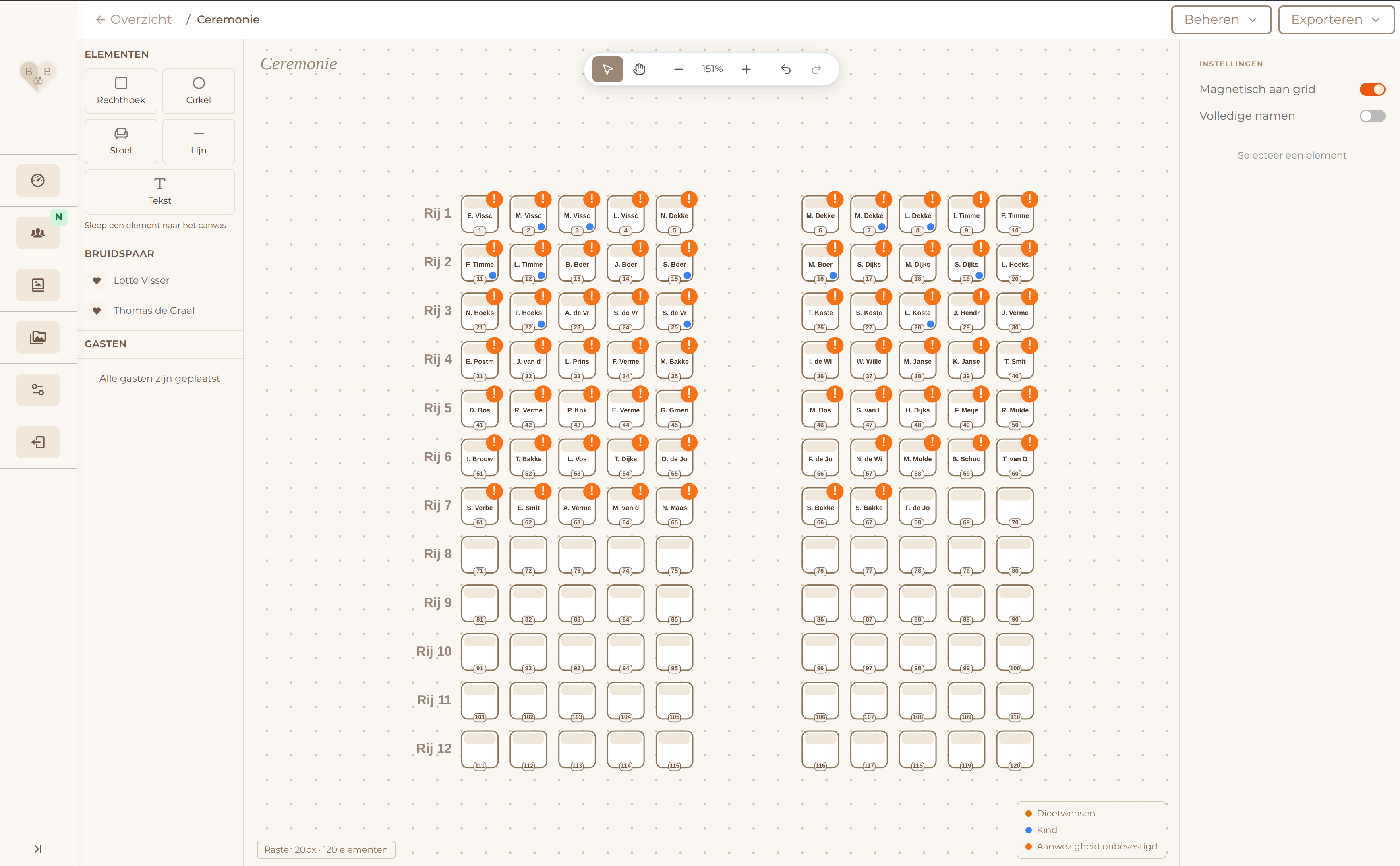
With the buttons at the top right you export the floor plan as Excel or PDF. In the Excel file, each floor plan gets its own tab, so the ceremony is separate from the dinner, with the seat number and the guest's name for every seat. Empty seats appear as a row without a name. From that tab you make the name cards for the reserved rows and the list for whoever is at the entrance.
The PDF shows the layout itself, with names shortened by default. You send it to the venue, so the rows and the aisle are set out the way you drew them. The export doesn't update by itself. If something changes, export again and put the date in the file name.
You add your master of ceremonies to your wedding in BruiloftBuddy with "Invite a member". They then work in the same floor plan and don't have to wait for you to send a new list. They don't get a notification when something changes, so let them know if you move someone in the final week.
Take a look at floor plans in BruiloftBuddy. The names come from your guest list, so fill that in first. Or try BruiloftBuddy free for 7 days and set up the ceremony and the dinner side by side. Not sure where to start? Getting started with BruiloftBuddy walks you through the first steps.

Rowin Mol
Rowin Mol is the founder of BruiloftBuddy. He got married in 2024 and, while planning his own wedding, found that on top of the tools he was using he still needed a separate spreadsheet for the guest list, attendance and the wedding day timeline.
Out of that frustration he built BruiloftBuddy: the platform he wished he'd had himself.
Try it yourself
Build your own wedding website
The editor on the homepage is the real editor, not a video. You see what you're making straight away.
Open the editorRowin Mol
Rowin Mol is the founder of BruiloftBuddy. He got married in 2024 and, while planning his own wedding, found that on top of the tools he was using he still needed a separate spreadsheet for the guest list, attendance and the wedding day timeline.
Out of that frustration he built BruiloftBuddy: the platform he wished he'd had himself.
Try it yourself
Build your own wedding website
The editor on the homepage is the real editor, not a video. You see what you're making straight away.
Open the editorNo, it is a church custom and not set down anywhere else. Many couples stick to it because it feels familiar. With families of very different sizes, or with two brides or two grooms, a mixed room feels more comfortable. Do tell your parents your choice, or they will still send guests to the side where tradition says they belong.
On either side of the aisle in the front row, or one of them just behind with their partner. Have that conversation with each of them separately and tell them what you are asking the other, so nobody hears it from someone else. Nobody enjoys this, and the alternative is that they find out for the first time on the day itself, in front of the whole room.
On the reserved rows, yes: a card on your mum's chair stops someone else from sitting there. We did that for the first five rows on each side, and behind those everyone found their own seat. With a card on every chair, guests walk row by row looking for their own name while everyone else is already seated. A loose card on the seat slides or falls off, so a flat card tied to the chair back with a ribbon stays put better.
Start from the number of guests who said they are coming to that part of the day, plus around five spare chairs at the back for anyone who arrives later. If you track attendance per part of the day in your guest list, you can read that number off straight away. If you work with separate lists, count again a week before the day, because the ceremony is exactly where the difference between day guests and evening guests shows.


