Rowin Mol · September 4, 2026 · (3 months ago) · 3 min reading time · updated Nov 19
In short
For my own wedding I had a planning tool. And a spreadsheet, because that tool didn't keep track of who was only coming in the evening. In the end everything lived in three places and I no longer knew which one was right.
Short answer: a wedding planning tool is only useful when its parts know about each other. Guest list, RSVP, checklist, budget, floor plan and wedding day timeline in one system, where an approved reply in one place updates the rest. That is how BruiloftBuddy is built. You can try it free for 7 days.
Most tools are built for one job: a checklist, or an RSVP form. That works, until you find yourself retyping the result of that one part into another overview by hand. This is what I would look at straight away:
On their own, they all work fine. The RSVP form collects replies, the checklist app ticks off tasks. But then someone has to put those replies into the guest list, and find that one task again in the budget file.
That someone is you, usually on a Sunday evening. It doesn't all go wrong at once either, just a little every week, until nobody dares to say which overview is the right one. Your time goes into keeping things up to date, not into the planning itself.
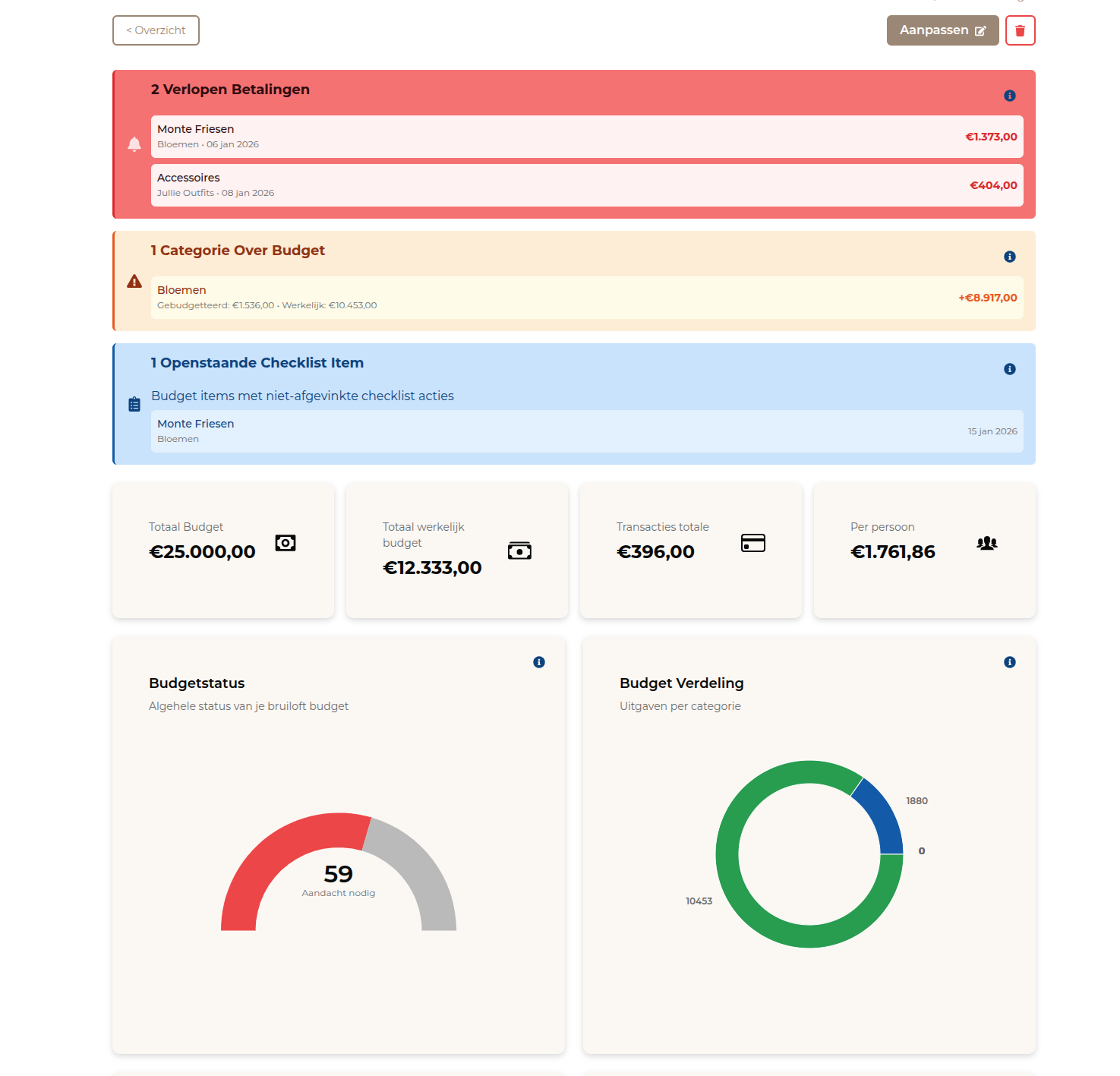
With us, an RSVP reply lands in your guest list after one click from you, with the part of the day and dietary requirements included. If a guest later changes something through the link in their confirmation email, you see the old and new answer side by side in the same overview you already use. A task that is also a payment can be linked to a budget item, so the actual cost is kept up to date without you entering it anywhere else.
You don't plan alone either. You invite your partner, your master of ceremonies or your wedding planner to the same wedding and give each of them a role. A Manager plans every section with you. A Helper only sees the sections you switch on: your master of ceremonies, for example, sees the wedding day timeline and the guest list, but not the budget. The people you invite don't have to pay separately. That way everyone works in the same overview, instead of in their own Excel sheet on the side.
It isn't rocket science. The retyping I used to do myself is now done by the tool.
Want to know what changes after the free trial? You can read it on the page about subscriptions and costs.
Want to try something yourself first? With our free wedding tools you can divide your budget with the wedding budget calculator and try the wedding website editor.

Rowin Mol
Rowin Mol is the founder of BruiloftBuddy. He got married in 2024 and, while planning his own wedding, found that on top of the tools he was using he still needed a separate spreadsheet for the guest list, attendance and the wedding day timeline.
Out of that frustration he built BruiloftBuddy: the platform he wished he'd had himself.
Try it yourself
Build your own wedding website
The editor on the homepage is the real editor, not a video. You see what you're making straight away.
Open the editorRowin Mol
Rowin Mol is the founder of BruiloftBuddy. He got married in 2024 and, while planning his own wedding, found that on top of the tools he was using he still needed a separate spreadsheet for the guest list, attendance and the wedding day timeline.
Out of that frustration he built BruiloftBuddy: the platform he wished he'd had himself.
Try it yourself
Build your own wedding website
The editor on the homepage is the real editor, not a video. You see what you're making straight away.
Open the editorWith separate apps, you are the link: you retype details from one into the other. In an integrated tool you approve an RSVP reply with one click and it appears in your guest list, without retyping.
Yes. In BruiloftBuddy your guest list, RSVPs, checklist, budget and wedding day timeline live in the same place and are linked to each other.
Yes, for 7 days.
Yes. You invite your master of ceremonies (ceremoniemeester) to your wedding and choose a role. As a Manager they help plan every section; as a Helper they only see the sections you switch on for them, for example the wedding day timeline and the guest list. No more loose WhatsApp messages about who has which version.


